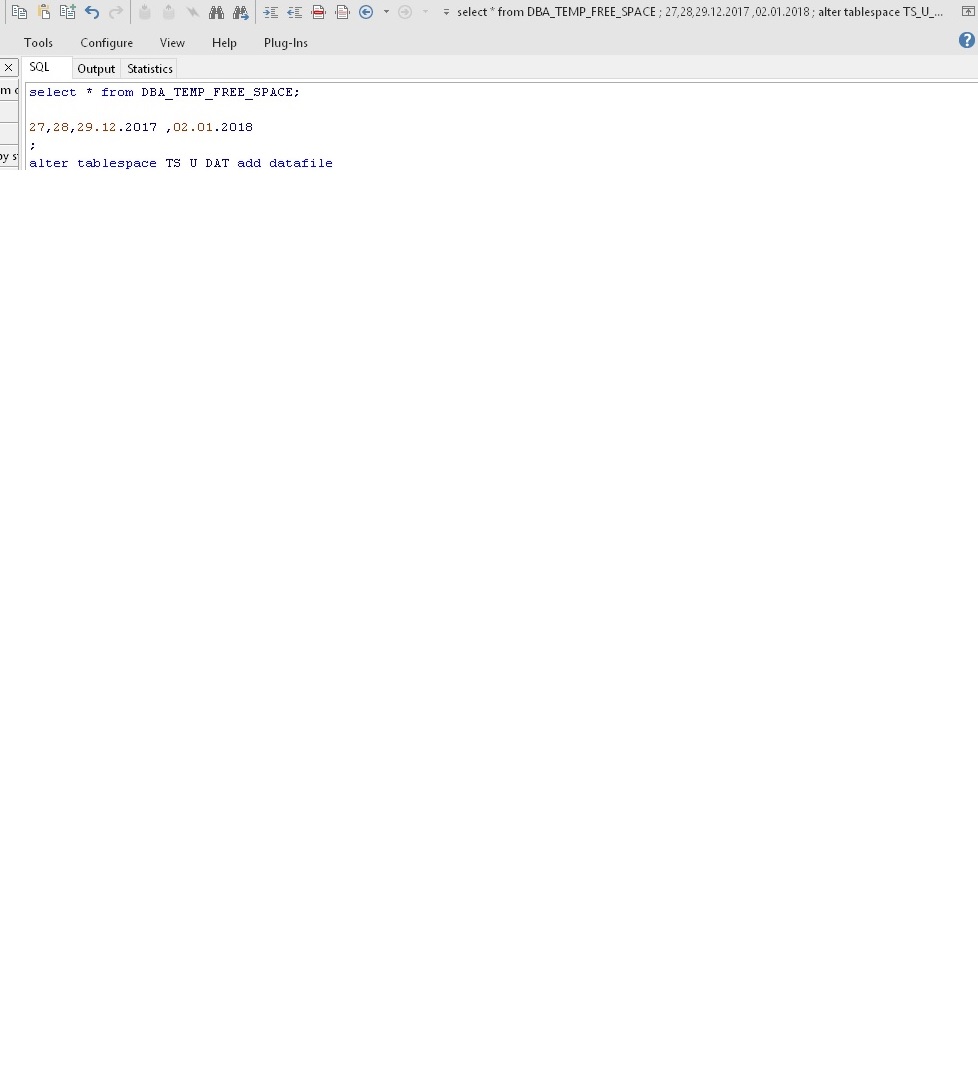
Hello, problem (see here: topic from beta forum ) still exists in 12.0.1.1814 32bit
I send my connect preferences and pic of statusline:
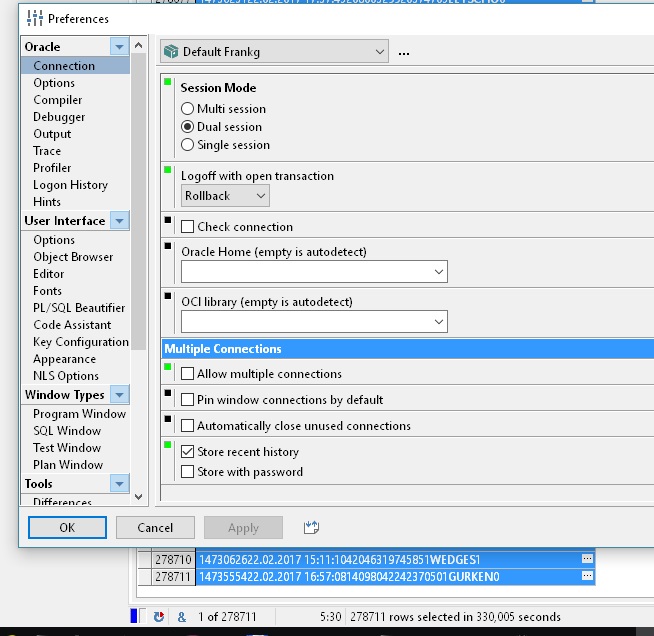
Seems that for allowed multi connection the information is displayed in status line but, as you can see, not in this case.
I use different connections infrequent, but want to see which connect is actually in use even in single connect mode.
I send my connect preferences and pic of statusline:
Seems that for allowed multi connection the information is displayed in status line but, as you can see, not in this case.
I use different connections infrequent, but want to see which connect is actually in use even in single connect mode.